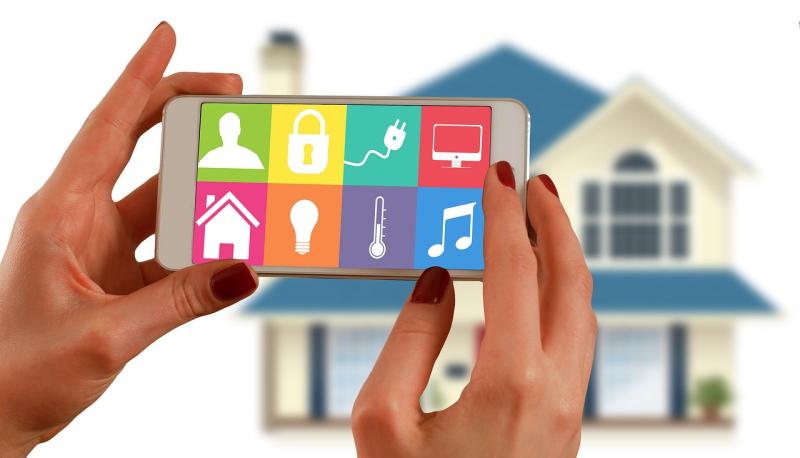
Wifi smart bulbs are a simple way to add some techy flair to your home lighting. Instead of just flipping a switch like you always have, these bulbs connect to your home Wi-Fi network. That means you can control them straight from your smartphone, tablet, or voice assistant—no more having to get up to turn the lights on or off!
Imagine coming home after a long day and saying, "Turn on the living room lights." With smart bulbs, that becomes reality. You can customize your lighting experience by adjusting brightness, color, and even setting schedules. Want the lights to gradually brighten in the morning? Or turn a cozy warm color in the evening? Easy as pie!
Setting up wifi smart bulbs is usually a breeze. Most of them come with user-friendly apps that guide you through the installation process. Just screw in the bulb, connect it to your Wi-Fi, and you're ready to rock. Plus, many smart bulbs work with popular voice systems like Alexa or Google Assistant, making it super convenient to control your lights hands-free.
These bulbs also help save energy. You can keep track of usage and make sure you’re only using power when you need it. Some smart bulbs even have features that let you create scenes or moods. If you’re hosting a dinner party or just binge-watching your favorite show, you can make the lights fit the vibe perfectly.
How They Connect to Your Network
WiFi smart bulbs connect to your network in a way that’s super easy to understand. First off, you’ll need a WiFi connection at home. Most smart bulbs work with 2.4 GHz networks, which is pretty common. If your WiFi is up and running, you’re already halfway there!
Once you have the bulb installed in a light socket, you’ll typically use an app on your phone to set it up. The app will guide you through connecting the bulb to your WiFi network. Usually, you just need to have your phone near the bulb, and the app will handle the rest. It’s a simple process that anyone can do, even if you’re not tech-savvy.
After the setup, the smart bulb communicates through your WiFi, allowing you to control it from anywhere in your home. So whether you're snuggled on the couch or cooking in the kitchen, you can easily adjust the brightness or change the color with a tap on your phone. Some bulbs even let you create schedules or control them with your voice using smart assistants, which makes things even easier!
Keep in mind that while WiFi smart bulbs offer flexibility and convenience, they might not work well if your WiFi signal is weak in some areas. If you have a larger home, investing in a WiFi extender can make a huge difference, ensuring you can enjoy the magic of smart lighting wherever you are.
Features That Make Them Great
Wifi smart bulbs are not just about changing the color of your lights; they come packed with some awesome features that make them a great addition to your home. Let’s dive into what makes these bulbs special.
First off, the convenience factor is through the roof. You can control your lights from anywhere using your smartphone. Imagine lying on the couch and dimming the lights without getting up, or turning them off while you’re out, so it looks like someone's home. It truly adds a layer of comfort to your daily routine.
Customization is another cool feature. Many Wifi smart bulbs let you choose from millions of colors and different brightness levels. You can set the perfect mood for a movie night or wake up gently to a soft sunrise effect. It’s all about creating the atmosphere you want with just a few taps.
Voice control is a game changer, too. If you have a smart speaker, you can control your bulbs using simple voice commands. Just say, “Turn on the living room lights,” and voilà! No more fumbling with switches or remotes. It’s super intuitive and makes life just a bit easier.
Lastly, energy efficiency is a big win. Wifi smart bulbs often use LED technology, which means they consume less energy than traditional bulbs. Not only does this help you save on your electricity bill, but it’s also a step towards being more eco-friendly. Who wouldn’t want that?
Tips for Using Smart Bulbs
Smart bulbs can really brighten up your life, but to get the most out of them, let’s dive into some practical tips. First off, make sure your bulbs are compatible with your home network. Check the frequency bands; most smart bulbs work on the 2.4GHz band, which is widely supported.
Next, install them in areas where you want the most control. Living rooms or bedrooms are great for ambiance, while outdoor bulbs can enhance security. Don’t forget to download the companion app for your bulbs. This is where the magic happens—you’ll want that to control everything from dimming lights to setting schedules.
Try out the different features. Many smart bulbs let you change colors, set scenes, or create routines. For example, you can program your lights to slowly brighten in the morning to mimic a sunrise. This makes waking up way more pleasant!
Lastly, keep your firmware updated. Check the app settings regularly for any updates. These can improve performance and add new features. Also, familiarize yourself with voice commands if you’re using devices like Alexa or Google Assistant. It’s super handy to control your lights just by speaking!