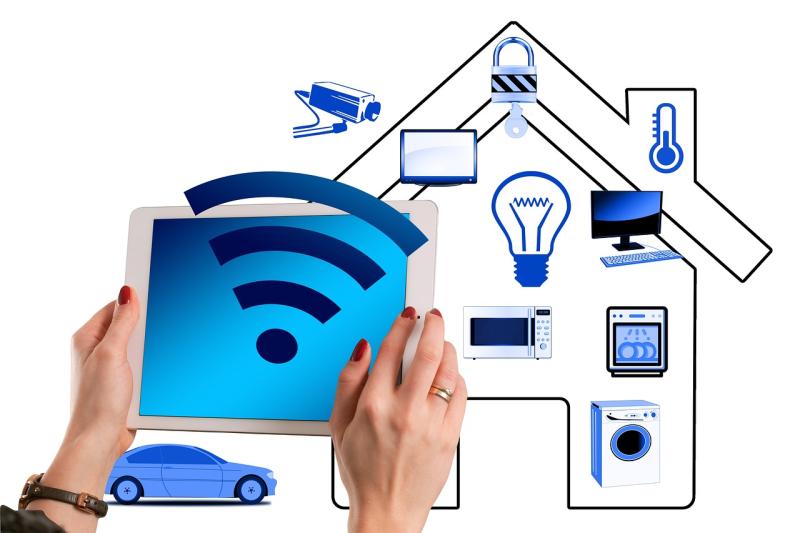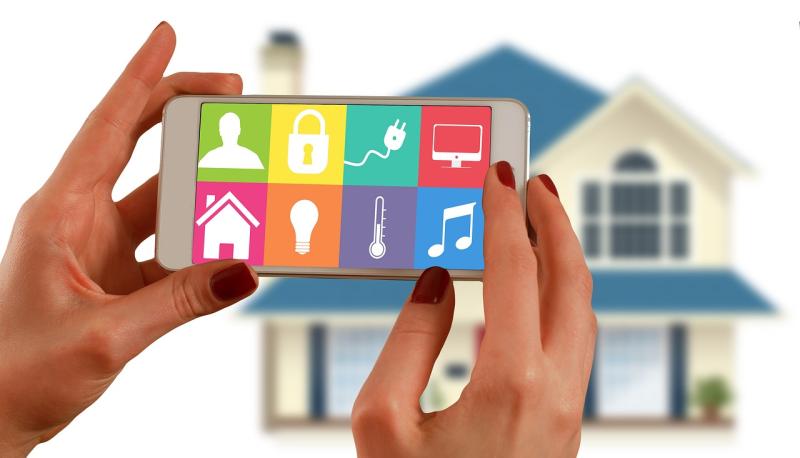
WiFi smart bulbs are the future of lighting in your home. Unlike regular light bulbs, these little gadgets connect directly to your WiFi network. This means you can control them from your smartphone or tablet whenever and wherever you want. How’s that for convenience?
Installing WiFi smart bulbs is a breeze. Just screw them into your light fixtures like a regular bulb, download the app that matches the brand, and connect them to your WiFi. You’ll be adjusting the brightness or changing colors in no time. Some apps even let you create schedules or control multiple bulbs at once.
What’s really cool about these bulbs is their versatility. You can dim them for movie night, brighten them up for reading, or even change the colors to match your mood. Want a cozy warm light for dinner? You got it. Feeling energetic and want some blue or green hues? Easy-peasy!
Plus, many WiFi smart bulbs play nice with voice assistants like Alexa or Google Assistant. So, you can just ask your assistant to turn the lights on or off without lifting a finger. Talk about a smart home upgrade!
How Wifi Smart Bulbs Connect
Wifi smart bulbs are pretty amazing, and understanding how they connect can really enhance your smart home experience. When you buy a wifi smart bulb, it usually works directly with your home Wi-Fi network. That means you don’t need a separate hub or device to manage them, which makes setup a piece of cake.
To get started, just screw in the bulb and make sure it’s powered on. Next, you’ll want to download the app that’s designed for your specific smart bulb. This app is your control center. After setting up your account, the app will guide you through connecting the bulb to your Wi-Fi. Usually, you'll need to enter your Wi-Fi password so the bulb can join your network.
Once connected, the smart bulb communicates with your smartphone and other devices via your Wi-Fi. You can turn the light on or off, change colors, or dim it—all from your phone. Some bulbs even let you set schedules for when you want your lights on or off, which is perfect for helping you wake up or relax after a long day.
It's also good to know that wifi smart bulbs typically can be controlled by voice through smart assistants like Alexa or Google Assistant. Just link your bulb’s app with your assistant’s app, and you can control the lights with simple voice commands. How cool is that?
Benefits of Using Wifi Smart Bulbs
Wifi smart bulbs bring a whole new level of convenience to your home lighting. Imagine controlling your lights from your phone or tablet. You can easily turn them on or off, dim them, or change colors—all from a tap. It’s super handy, especially when you’re cozy on the couch or in bed.
Energy efficiency is another big plus. Smart bulbs often use less energy than traditional bulbs, which can lead to savings on your electric bill. Plus, you can set schedules for when you want the lights to turn on or off. This way, you won’t waste energy when you’re not home.
Customization is key with these bulbs. You can create different moods with various colors and brightness levels. Want a warm glow for movie night or bright white for reading? Just adjust the settings with your app. You can even sync them with music for an awesome party vibe.
Lastly, smart bulbs can boost your home’s security. You can set them to turn on and off at certain times to make it look like someone’s home, which can be a great deterrent for unwanted visitors. Peace of mind and energy savings? Yes, please!
Tips for Choosing the Right Bulb
Choosing the right WiFi smart bulb can feel a bit overwhelming with all the options out there. Here are some helpful tips to make your decision easier.
First up, think about the brightness you need. Smart bulbs come in various lumens, and it’s important to match them to your space. If you're aiming for cozy ambiance in a bedroom, add lower-lumen bulbs. For the kitchen or living room, look for something brighter. A good rule of thumb: around 800 lumens gives you light similar to a standard 60-watt bulb.
Next, consider the color temperature. Do you want warm light for relaxing or cooler, daylight-like light for productivity? Most smart bulbs let you pick from a range of color temperatures to suit your mood. Look for bulbs that allow you to adjust between different shades, so you always have the perfect light for every occasion.
Don’t forget about compatibility! Check if the smart bulb works with your existing smart home system. Whether you use Alexa, Google Assistant, or Apple HomeKit, you want to ensure everything syncs up nicely. Reading product reviews can also give you insight into how well they interact with other devices.
Lastly, check energy efficiency. LED smart bulbs tend to use less energy, which means lower utility bills. Look for bulbs that are Energy Star rated. This means not only are they good for your wallet, but they're also better for the planet.